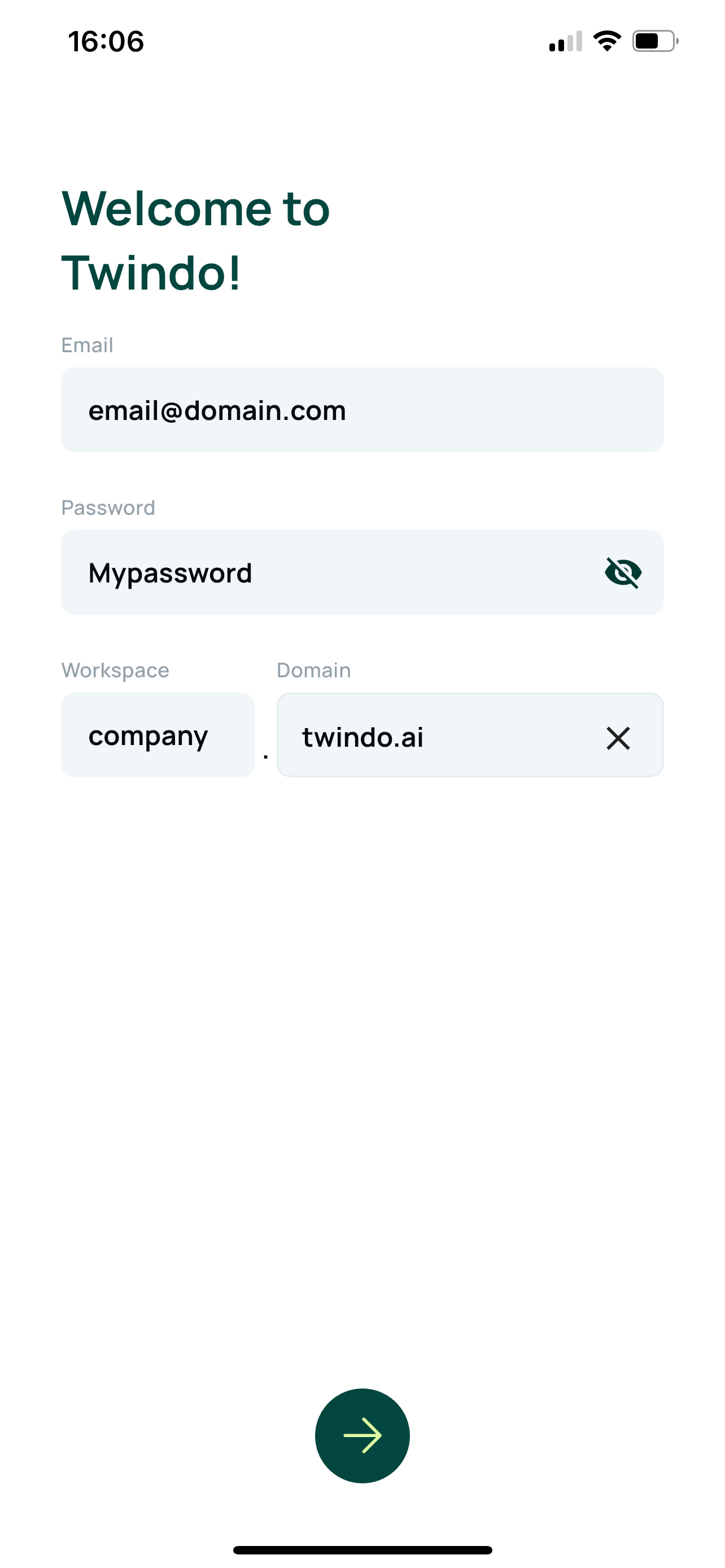
App login
Twindo Mobile App Login
The Twindo mobile app is available for both iOS and Android devices.
iOS: https://apps.apple.com/nl/app/twindo/id6449618251
Android: https://play.google.com/store/apps/details?id=com.twindo.mobile&hl=en
Most technicians receive their login credentials via a secure email link.
If you are logging in manually, follow the steps below carefully:
Email Address: Enter your registered email address.
Password: Enter your password (avoid extra spaces that can appear when copying and pasting).
Workspace: Enter your company name; this matches the name used in your environment’s URL.
Domain: Enter the environment domain; typically twindo.ai.
Tap the Next (→) arrow at the bottom to continue.
When login details are entered correctly, the app will connect to your workspace and sync your assigned projects, jobs, and reports.