Mobile weather
The Twindo technician mobile app includes an advanced weather forecast feature available when connected to the internet.
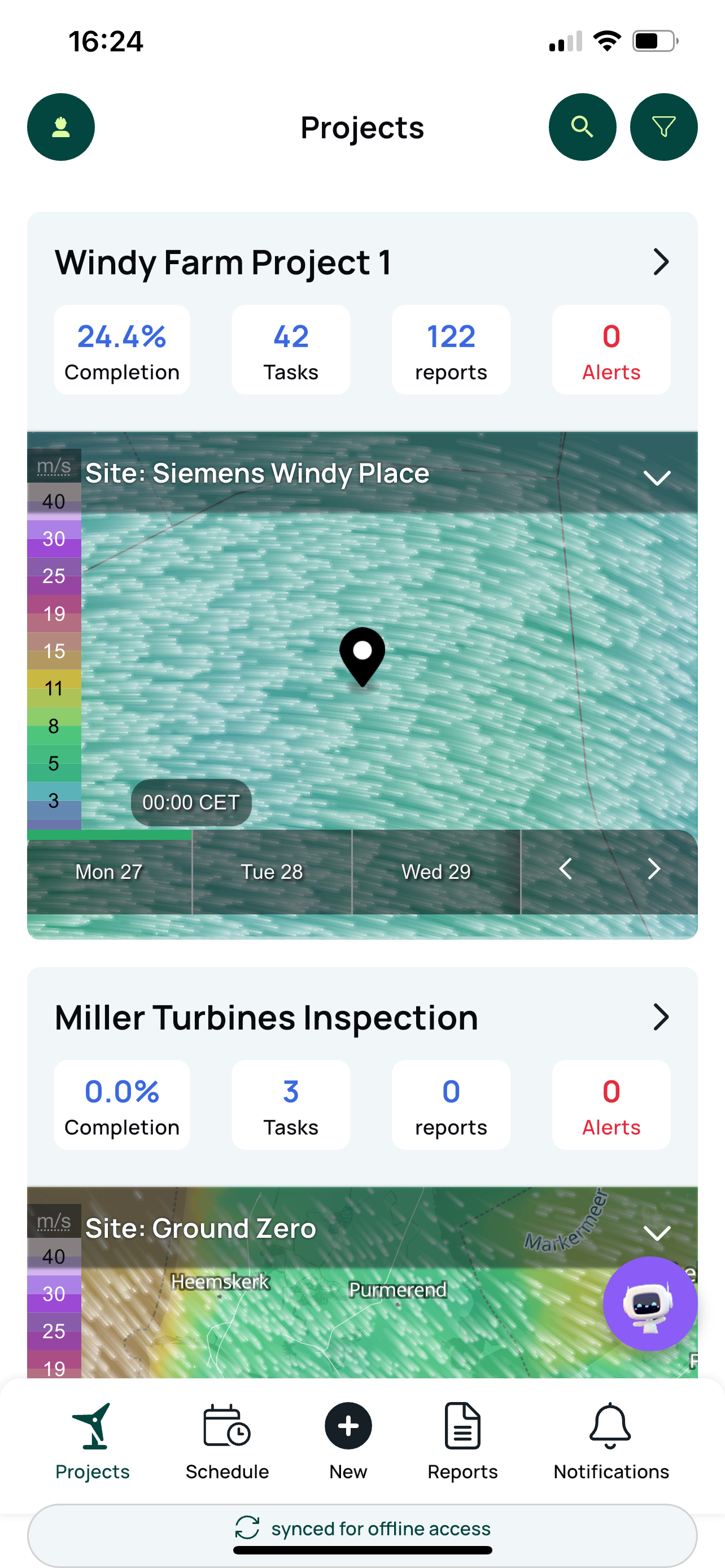
Home Screen Weather Overview
The home screen shows basic weather data focusing on wind speed and direction.
You can change the forecast time or day by clicking and dragging the green bar above the day labels.
For projects with multiple sites, tap the site name at the top to select the site you want to view.
Clicking the weather area opens the full-screen weather view with all advanced settings.
Advanced Weather Full-Screen Mode
Change the forecast time or day with click and drag.
Access settings via the "burger" (three lined) icon.
Inside settings, select different weather parameters, some of which adjust based on altitude.
Tap any point on the map to get a live reading of the selected weather parameter at that location.
You can change the weather data source in a settings box at the bottom.
This advanced weather capability provides detailed, location-specific forecasts crucial for efficient planning and safe field operations in renewable energy projects. It helps technicians better anticipate weather impacts on tasks.
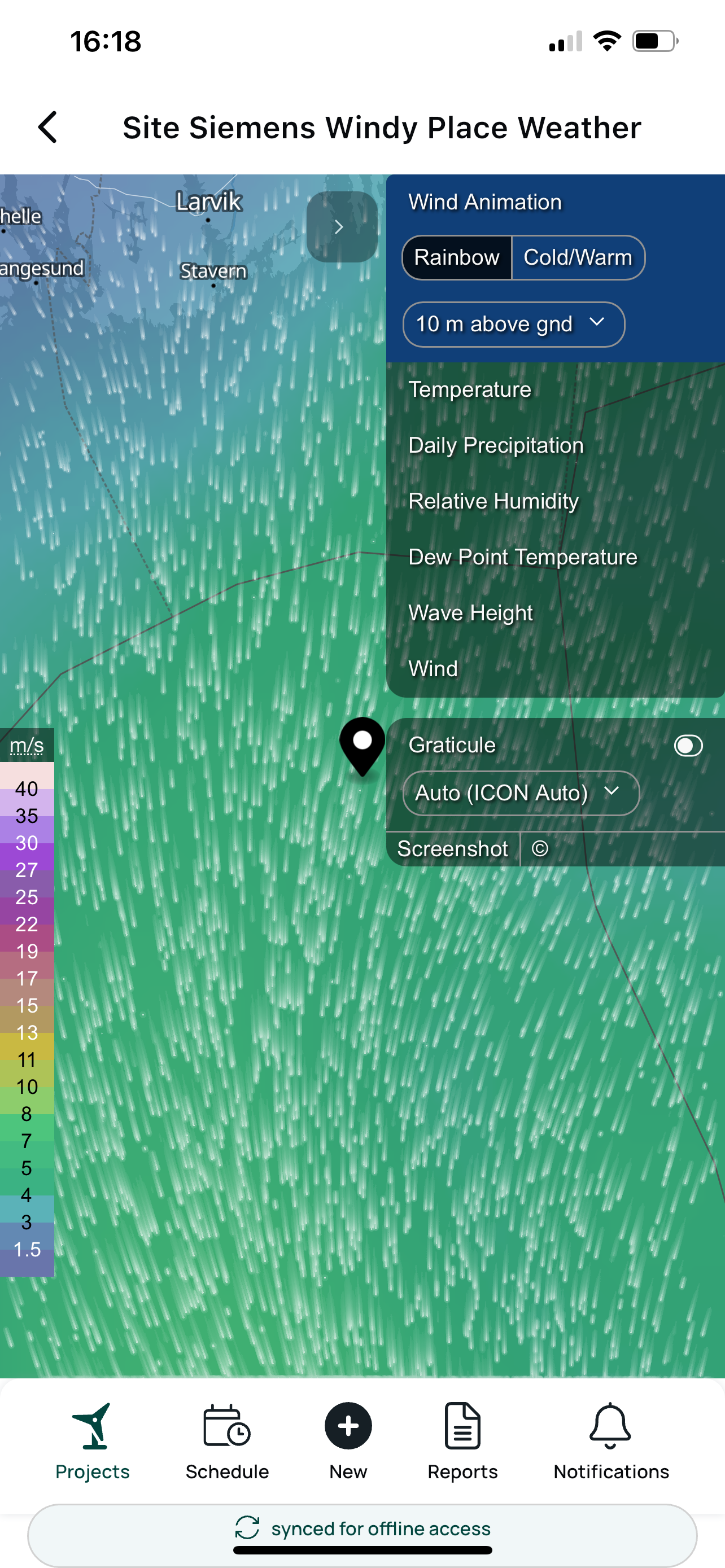
Twindo Advanced Weather Option (Full Screen Mode)
Time and Day Navigation: Adjust the forecast time or day by clicking and dragging along the timeline.
Settings Access: Use the three-lined "burger" icon to open settings, where you can select which weather parameters to display.
Weather Parameters: Choose among various weather data types, some tailored for specific altitudes, for precise analysis.
Live Map Readings: Tap any location on the map to see up-to-date readings for the active weather parameter.
Data Source Selection: Change the source of weather data in the lower settings box to reflect preferred or localized forecasts.
This functionality enables field operators and planners to optimize schedules and safety based on detailed, location-specific weather insights, crucial for renewable energy operations in offshore or variable environments.